


iT5 SmartPack Data Mirror & Transfer
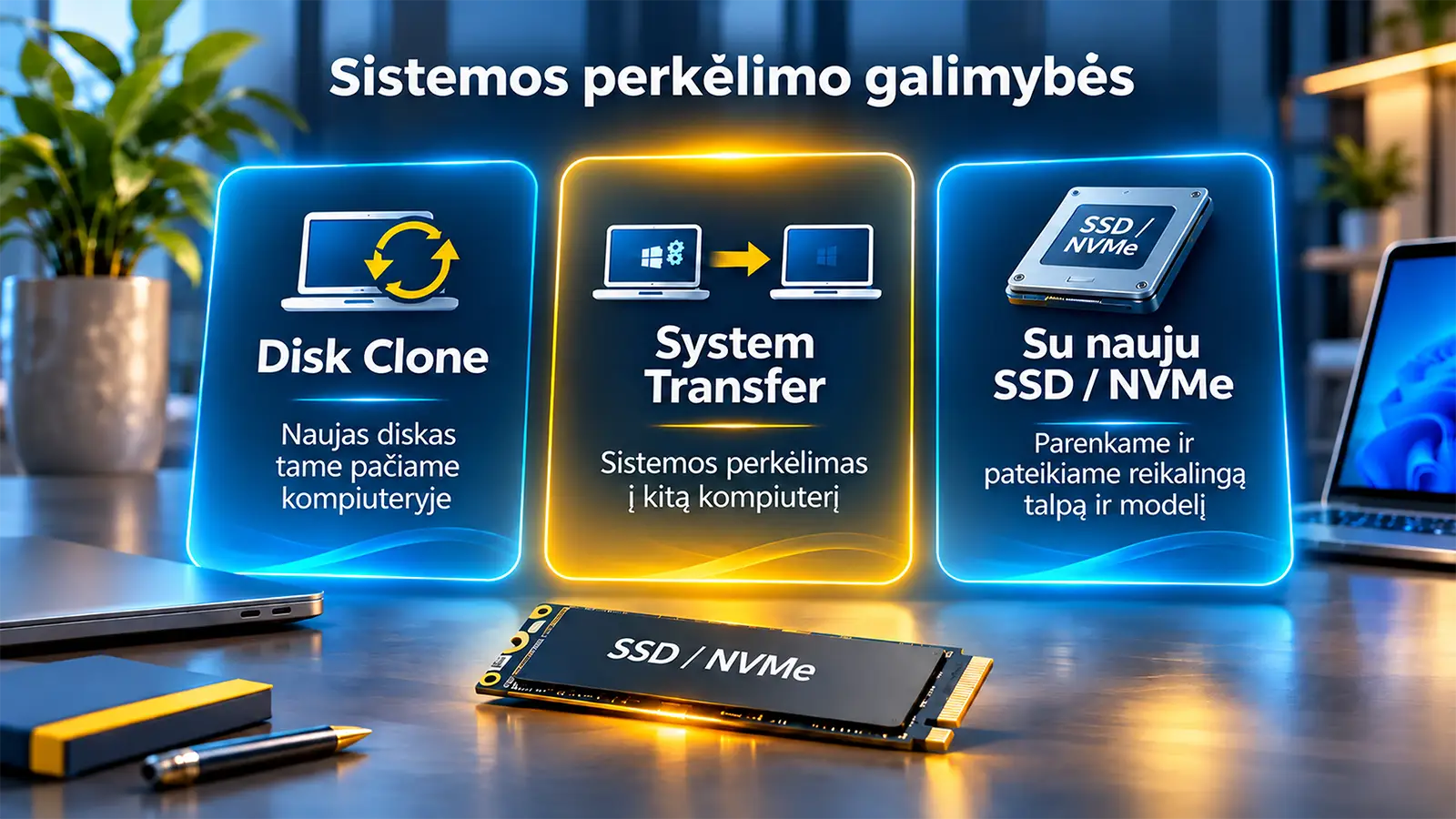
Disk cloning and system transfer. First – clear pricing and safe continuity of work.
Who is this service for?
“I want to replace an old or slow drive, but I do not want to reinstall Windows, reinstall all applications, and rebuild my entire working environment.”
1. Service pricing
Final prices including VAT are shown. Packages that include a drive are based on a suitable standard-class SSD / NVMe storage device; the exact configuration is confirmed before the order.
| Service option | Excl. VAT | Incl. VAT |
|---|---|---|
| Disk Clone – to a new drive in the same computer (new drive not included) | 100€ | 121€ |
| Disk Clone + standard 500 GB SSD / NVMe | 219€ | 264,99€ |
| Disk Clone + standard 1 TB SSD / NVMe | 289€ | 349,69€ |
| System Transfer – to another computer (new drive not included) | 149€ | 180,29€ |
| System Transfer + standard 500 GB SSD / NVMe | 269€ | 325,49€ |
| System Transfer + standard 1 TB SSD / NVMe | 339€ | 410,19€ |
Important: when transferring a system to another computer, we always perform a compatibility assessment in advance. Even a similar computer may require driver changes, boot configuration adjustments, or licence corrections.
SSD / NVMe selection according to the actual workload profile
| Computer purpose | What we evaluate |
|---|---|
| Office | Compatibility, reliability, sufficient capacity and cost efficiency. |
| Gaming | Capacity, sustained performance, supported NVMe generation and cooling. |
| Workstation | Long-term workloads, endurance (TBW), working data volume and cooling. |
| Specialised server | Workload profile, manufacturer support, reliability class and recovery priorities. |
If a Premium / higher-class SSD or NVMe, larger capacity or specialised storage is required, we provide an individually tailored offer. The price is confirmed before any work is carried out.
2. Why is cloning within the same computer the best choice?
Windows and applications
Personal working environment
System cloning
Partition verification
Boot and testing
Continue working
Diagram. The storage device is replaced while the computer hardware environment remains the same.
In most cases, the customer wants to continue using a familiar and already configured Windows environment. When only the HDD / SSD / NVMe is replaced in the same computer, the processor, motherboard, device controllers and most of the licence environment remain unchanged.
- There is no need to reinstall every application from scratch and rebuild the working environment.
- Files and settings stored on the copied partitions are preserved.
- A new SSD / NVMe can remove the performance bottleneck of an old drive, provided the other components are also sufficient.
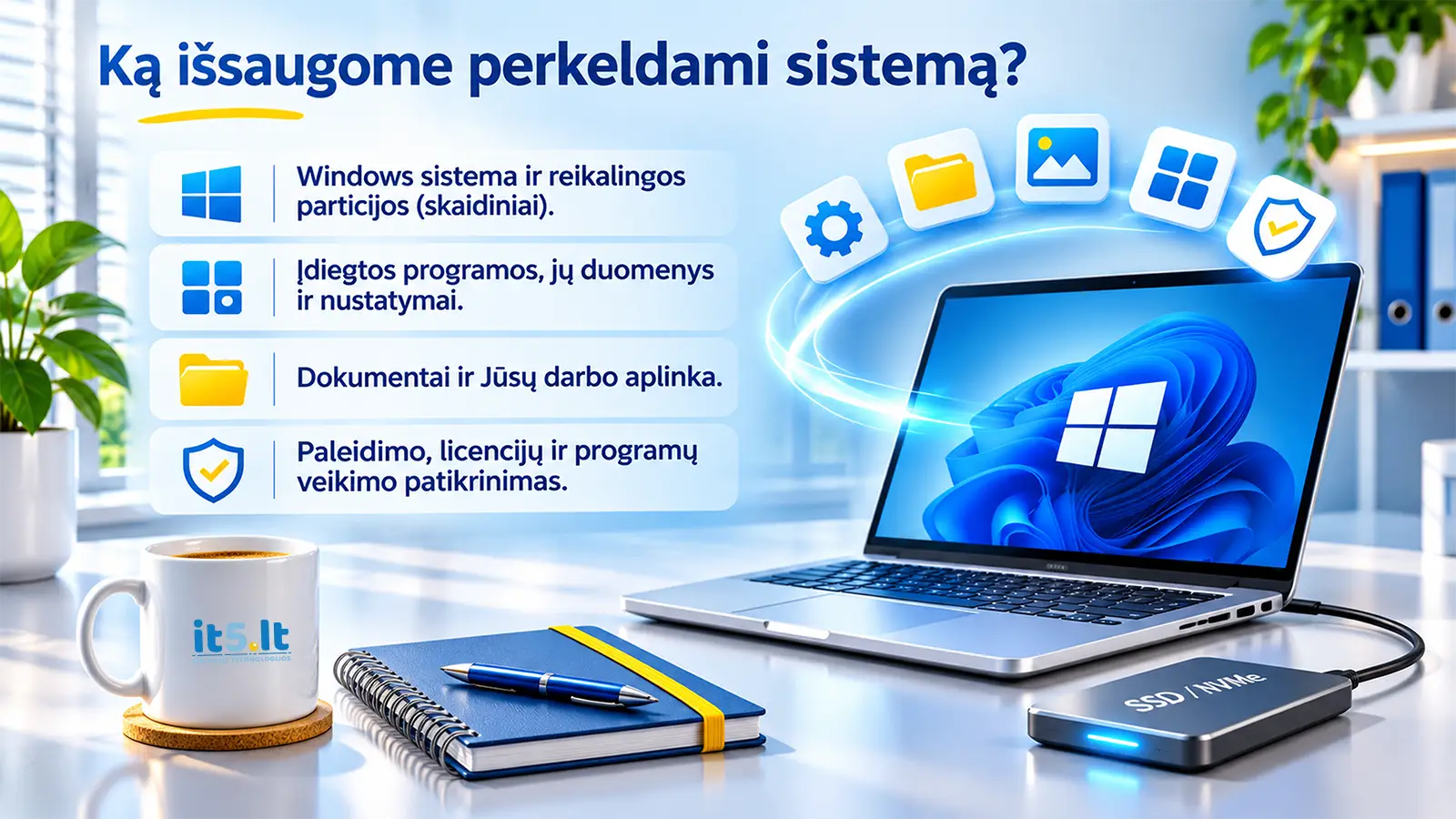
- After the work is completed, we check Windows boot, the most important applications and drive condition.
iT5 principle
We first look for the lowest-risk solution. If the original computer is in good condition, it is often better not to replace the entire workstation, but simply to upgrade its storage.
3. What if Windows needs to be transferred to another computer?
It is possible, but it is not a scenario we automatically recommend. Transferring an entire Windows environment to a computer with different hardware can introduce stability and compatibility considerations. Therefore, we follow a clear order of priorities:
| Priority | Our recommendation |
|---|---|
| 1. The same computer | The safest standard option – we replace the drive and restore the existing environment. |
| 2. Identical model | If the original computer has been lost, we first look for an identical or as close as possible configuration. |
| 3. Similar configuration | We individually check UEFI, controllers, drivers and Windows / application activation. |
| 4. Significantly different computer | In such cases, we more often recommend a clean Windows installation and a controlled transfer of data / applications. |
What do our specialists check?
- Boot Mode / UEFI and the disk partition structure (GPT, EFI, Recovery).
- Storage Controller, Chipset and other critical drivers.
- Windows activation, OEM / Retail licence conditions and activation of specialised applications.
- BitLocker / TPM, VPN, MFA, network profiles, logins and company domain dependencies.
- Boot process, stability, Windows Event Logs, key applications and connections required for work.
“Registry Cleaning” is not a universal migration procedure.
Large-scale registry cleaning can create more problems than it solves. We change only specific outdated settings or settings unsuitable for the new hardware when there is a clear technical reason to do so.
4. Questions customers have the right to ask
Will Windows and my applications work as before after cloning?
When cloning within the same computer, this is our main objective: to preserve the existing environment. However, we still verify the boot process and the most important applications, and we cannot provide an absolute guarantee if the original drive or the existing system already had faults.
Are browser data, documents and the desktop transferred?
Usually yes, provided they are stored on the partitions being copied. We also check separately whether important data is stored on another drive or only in an online account.
Can an old HDD be replaced with an NVMe drive?
Yes, if the computer supports NVMe and has a suitable connector, Boot Mode and Windows compatibility. If NVMe is not supported, we select an appropriate SSD alternative.
Can the system be copied to a smaller-capacity SSD?
Sometimes yes, provided all required data fits on the new drive and the partition sizes can be adjusted correctly. We make the decision based on the actual used space, not only on the nominal capacity of the old drive.
Is it necessary to “clean the registry” after transferring to another PC?
Not automatically. Correct drivers, Boot Configuration and licences are more important. Registry entries are modified only using targeted, verified procedures.
Does “the same manufacturer” mean complete compatibility?
No. Different generations of computers from the same manufacturer can use different controllers, UEFI settings and TPM implementations. We evaluate the specific models and configurations.
Will Windows and paid applications remain activated?
When only the drive is replaced in the same PC, the activation environment is normally the most favourable. When transferring to another device, applications or Windows may require reactivation; licence transfer rights depend on the software manufacturer.
Does cloning fix an existing Windows problem?
Not always. If Windows already contains damaged files, incorrect settings or malware, these can also be transferred to the new drive. If necessary, we recommend separate operating system repair work.
What if the old drive is damaged?
Before cloning, we assess SMART data, read errors and the risk of data loss. If the drive is in poor condition, a data recovery procedure may be required first.
Is the old drive erased?
Not automatically. We first verify the new system. Erasing, disposing of or returning the old drive is agreed separately.
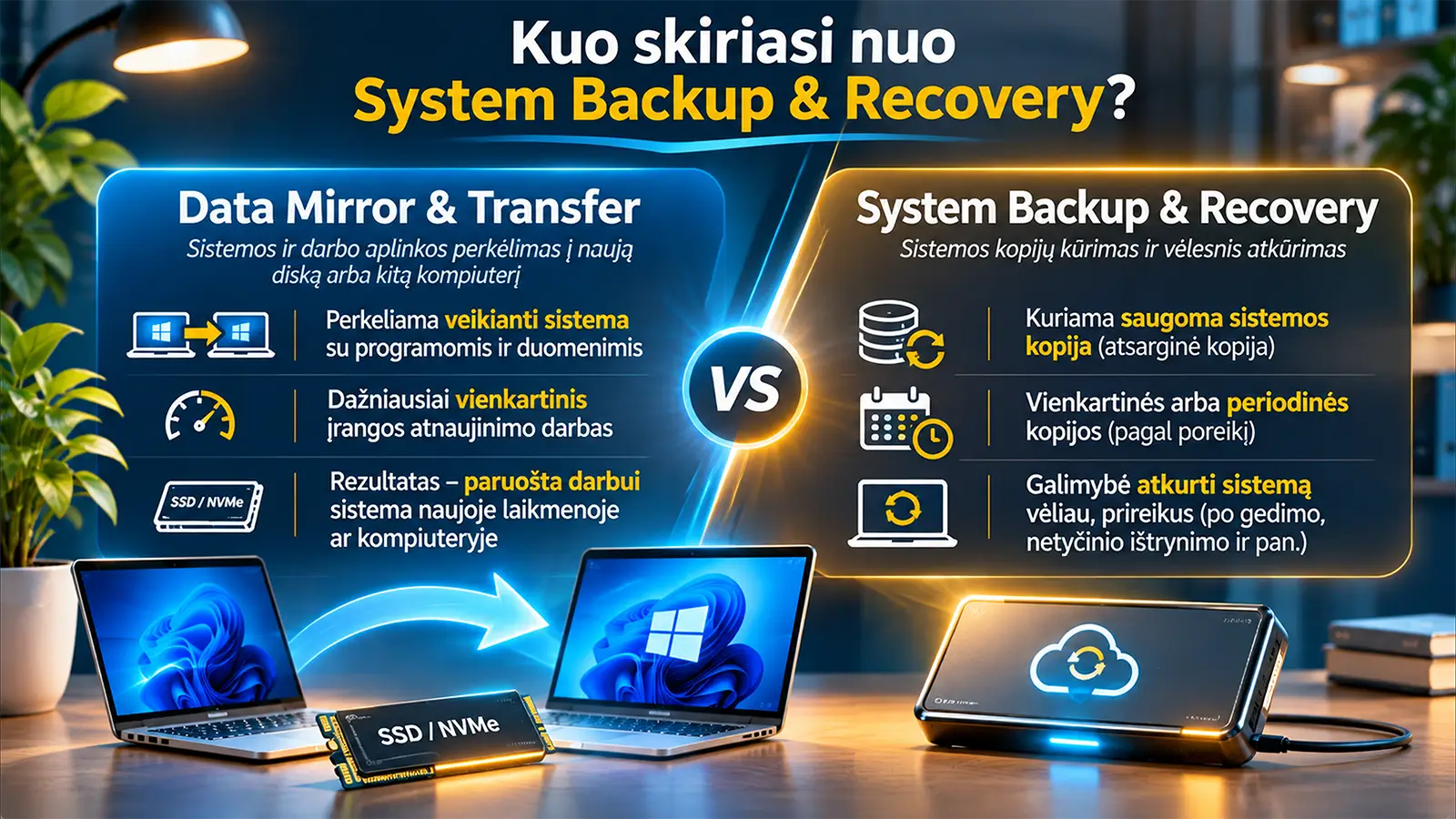
How is this service different from Backup?
Cloning is intended to transfer the working system now. System Backup is designed to preserve a backup state of the system so that it can be restored after a month, after a failure or after data loss.
Can the final price change?
The published price applies to the standard ordered service option. If a different class of drive is required or non-standard work becomes necessary, we provide and agree the new price before continuing.
5. What do you receive and what is our responsibility?
- Preliminary drive and system compatibility assessment.
- Copying / transfer operation according to the agreed scope.
- Boot verification and a basic check of the working environment.
- A clear explanation if additional work is required because of the old system, storage device or licence conditions.
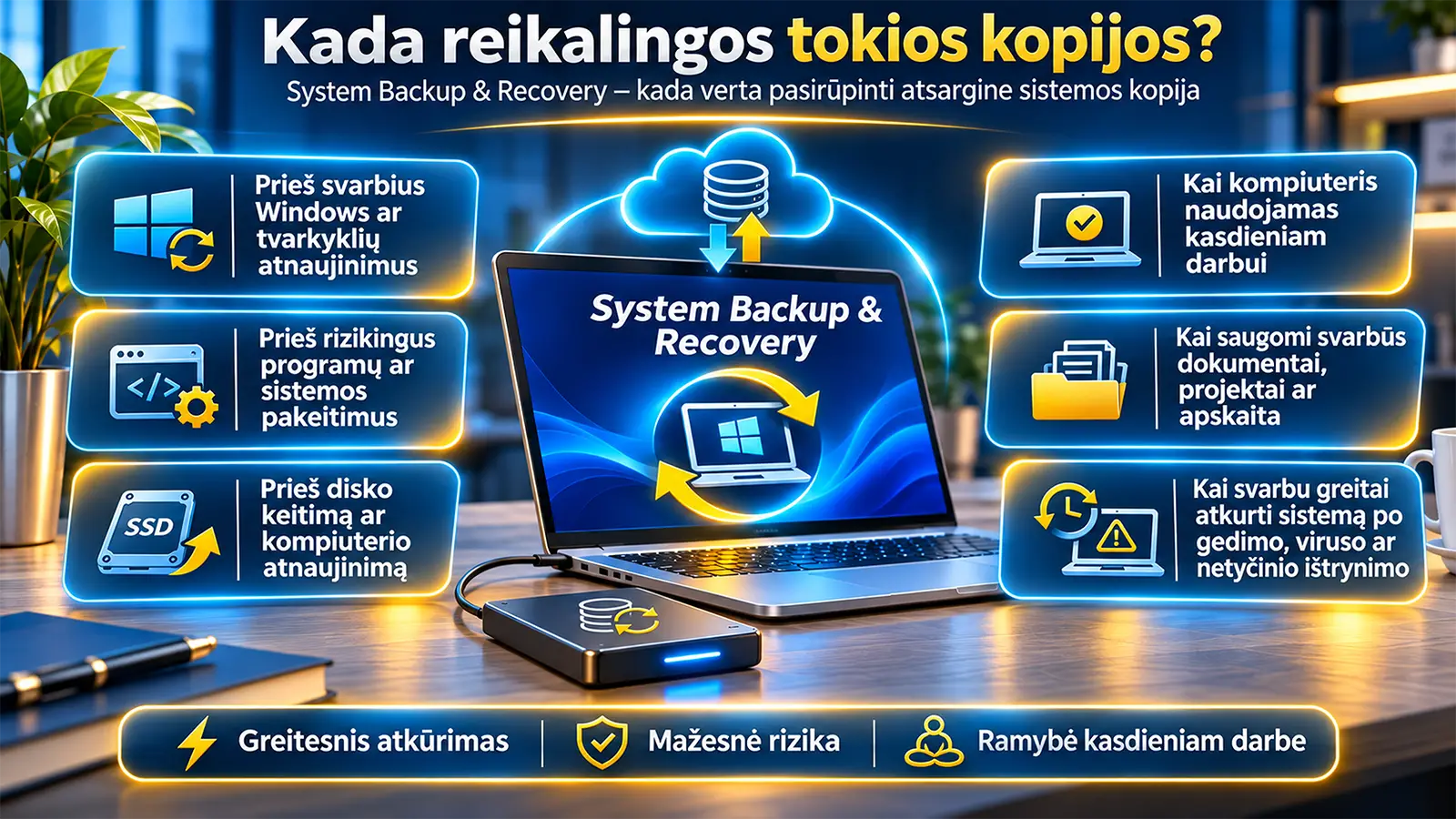
- A recommendation regarding a separate System Backup: a new SSD does not replace backups.
Service conditions and the final configuration are agreed before the work begins.
No posts found